Post every day.
Spend four minutes doing it.
Script, voice, pictures and captions — made and posted for you.
Free first video · No card
It makes these — in any niche you pick
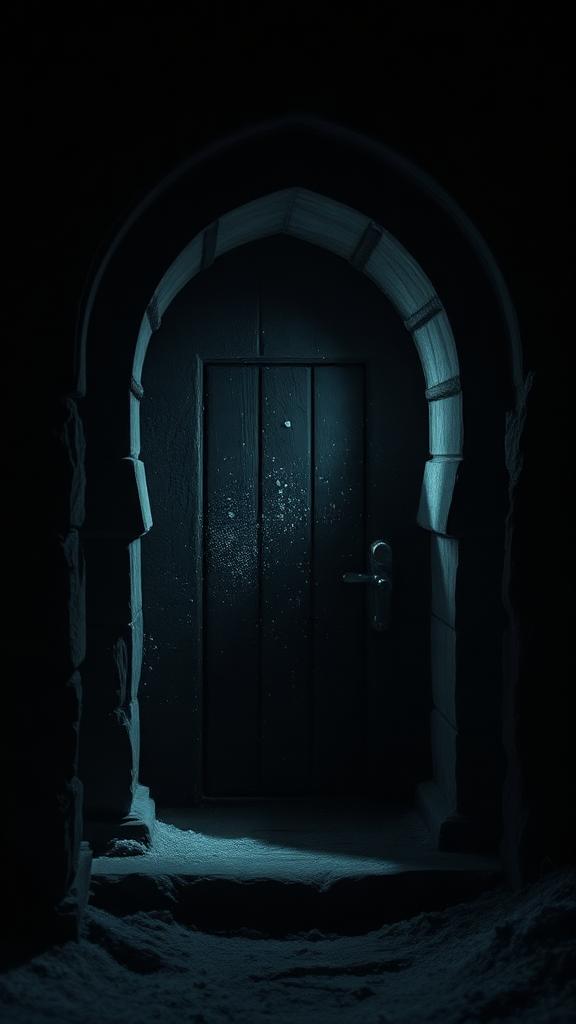
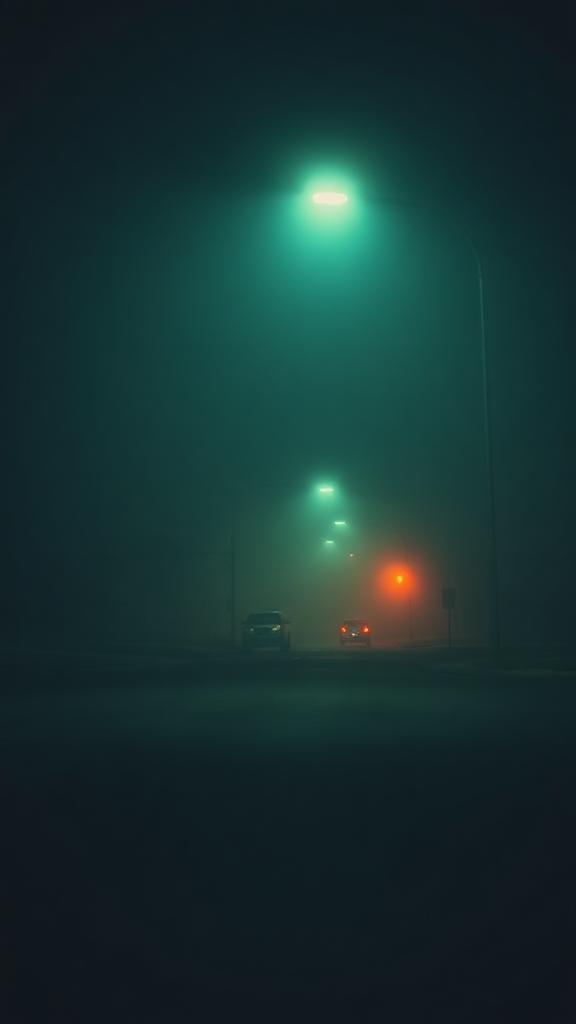
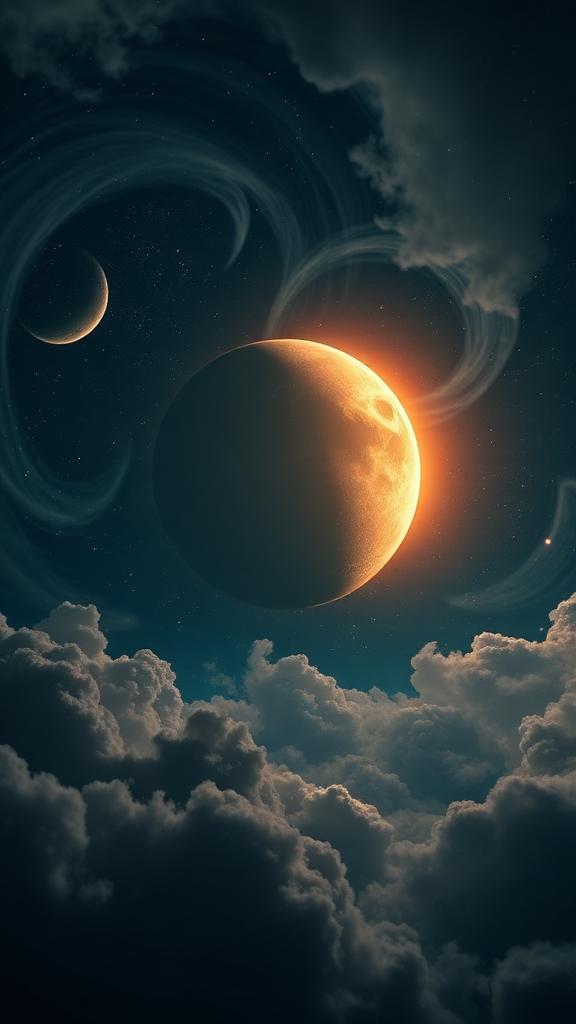
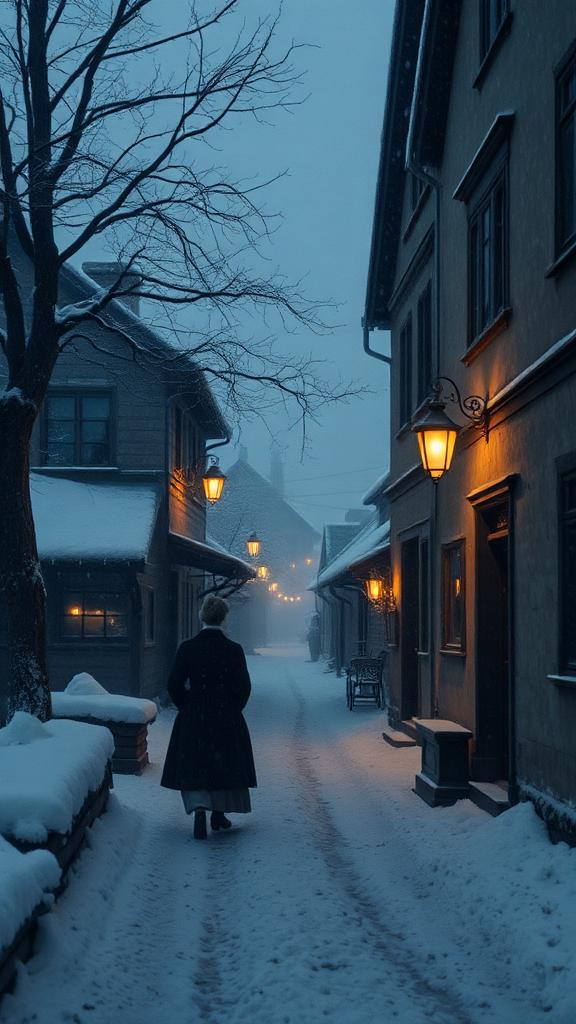

Ten niches, or write your own
How it works
Start a series
Pick the niche. MuseWick decides what each episode is about.
- Ten niches, or a custom topic
- A subject never used twice on the same channel
Script, written for you · 9 scenes
- 1They buried the door, not what was behind it.
- 2For three hundred years no one asked why.
- 3Then the frost cracked the seal.
Choose the look and the voice
One style carries through every scene.
- Seven visual styles, five caption styles
- Six narrators, American or British — hear each one first
Caption style
Narrator
Let it post while you sleep
Connect the accounts once and pick a slot.
- Ready hours before the slot, not at it
- Review each one, or let it go out on its own
Daily at 6:00 pm · 4 queued
Everything a video needs
Try it once, then decide
Free
$0once
One video to see if you like it.
- 1 video, yours to keep
- Every niche and style
- Watermarked
- You download and post it yourself
Creator
$19/mo
One channel, four videos a week.
- One series, posting 4 times a week
- Auto-posting to YouTube
- No watermark
- Moving first shot on every video
- Approve each video before it posts
Questions people ask first
Do I need to show my face or record my voice?
Neither. The narration is generated from the script by one of six narrators, American or British. Nothing about you appears in the video.
Will my videos look like everyone else's?
Every scene is generated for your script, and each series keeps its own look and voice.
Will posting like this get my account banned?
We post through the official TikTok, Instagram and YouTube APIs — the same ones any scheduling tool uses. Review is on by default, so nothing goes out unless it's approved — and it can be switched off once there's trust in the output.
How does auto-posting work?
Connect TikTok, Instagram or YouTube once and pick your slot — we upload at that time with the caption and hashtags written for the video. Auto-posting is part of Creator and Pro. If an upload fails, a notification goes out the same day.
Can I change a video before it goes out?
Yes. On Creator and Pro each video waits in a review queue where you can rewrite a line, regenerate a scene, reorder scenes or swap the voice.
What if I want to stop?
Cancel in one click from your account page. Posting stops at the end of the month and every video already made stays yours to download.
Your first video takes four minutes.
Make your first video — freeNo card to try · First video free · Cancel in one click